Vertical GPU Mounting Bracket with PCIe 4.0 Riser Cable – Black
د.ج 7.000
Overview On The Vertical GPU Mount Black
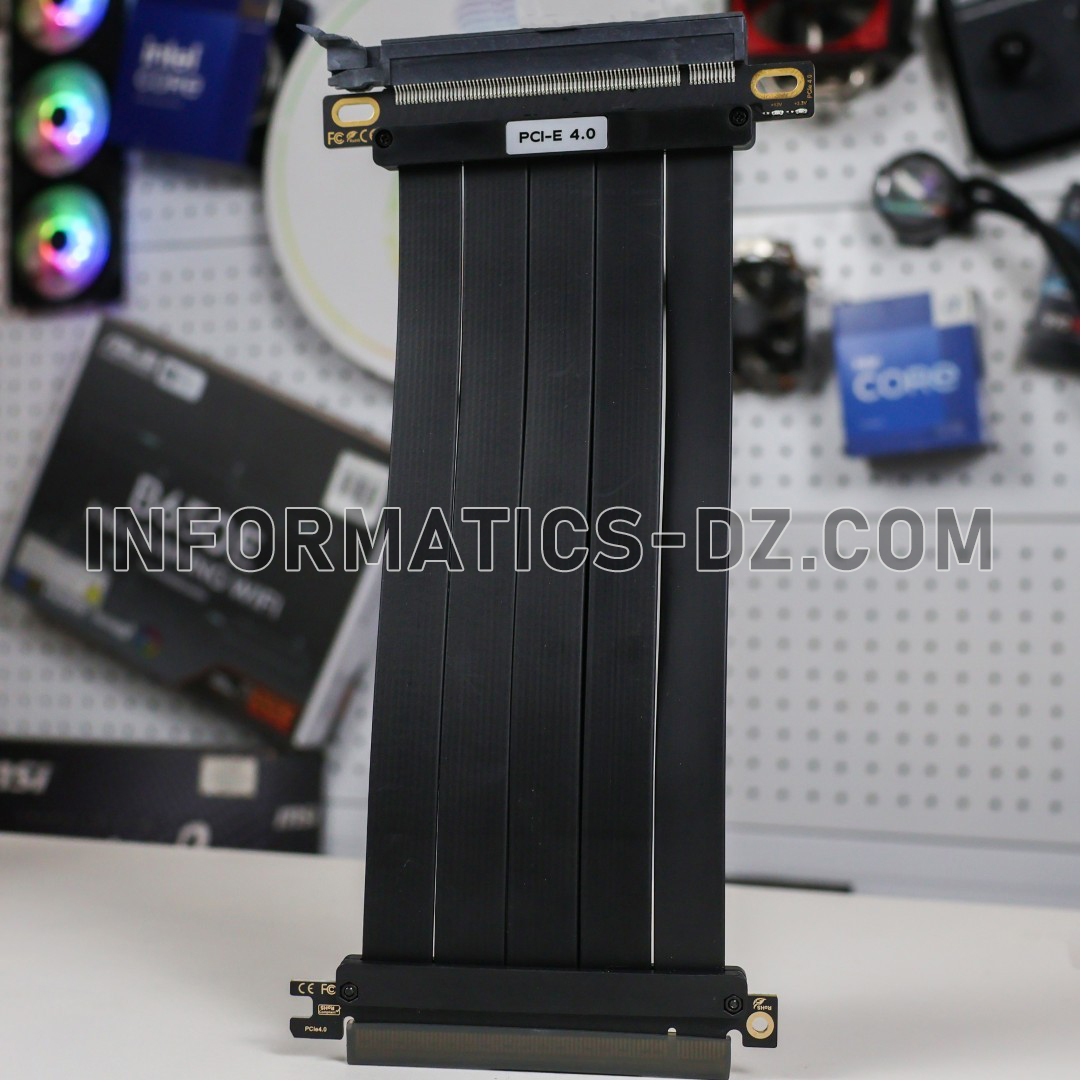
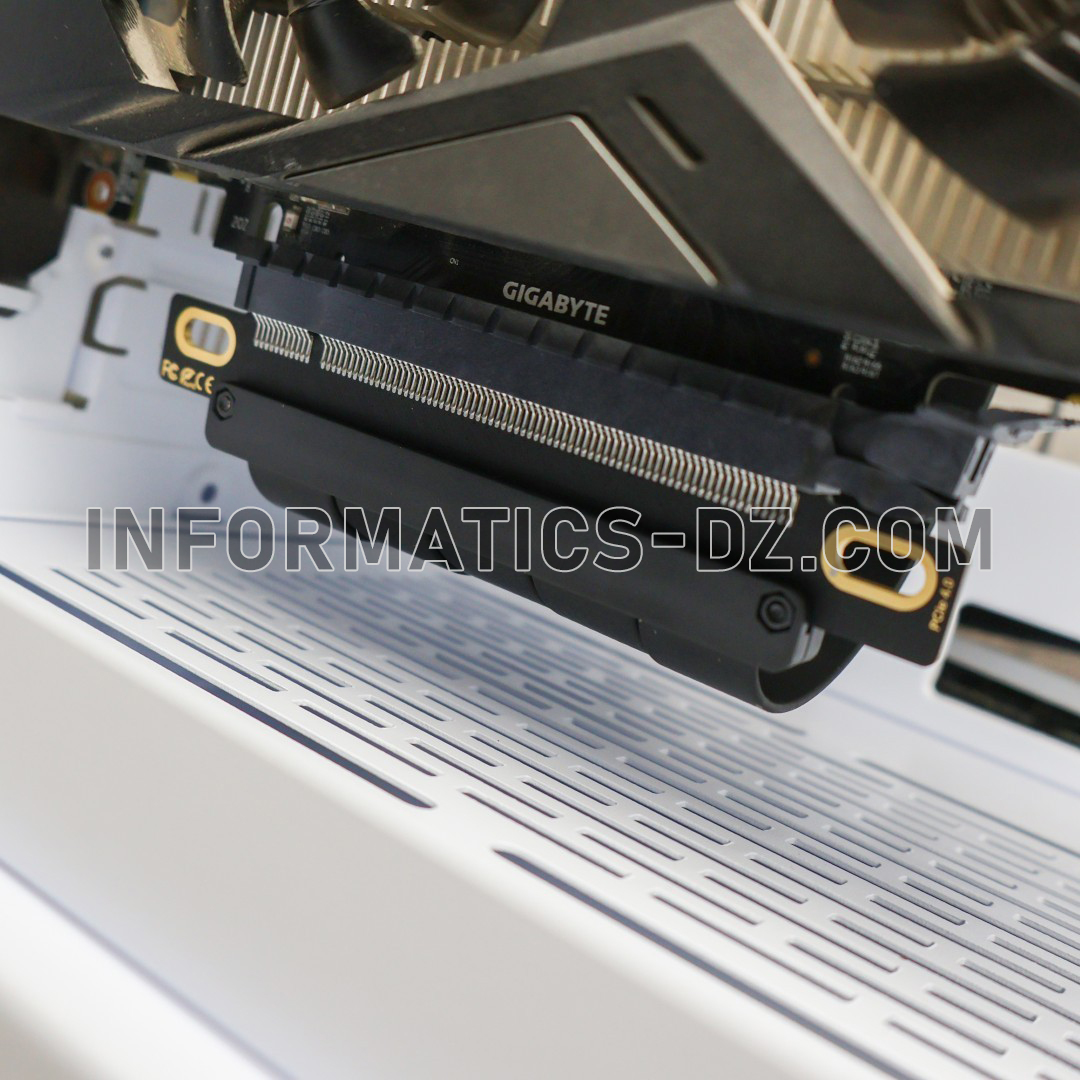
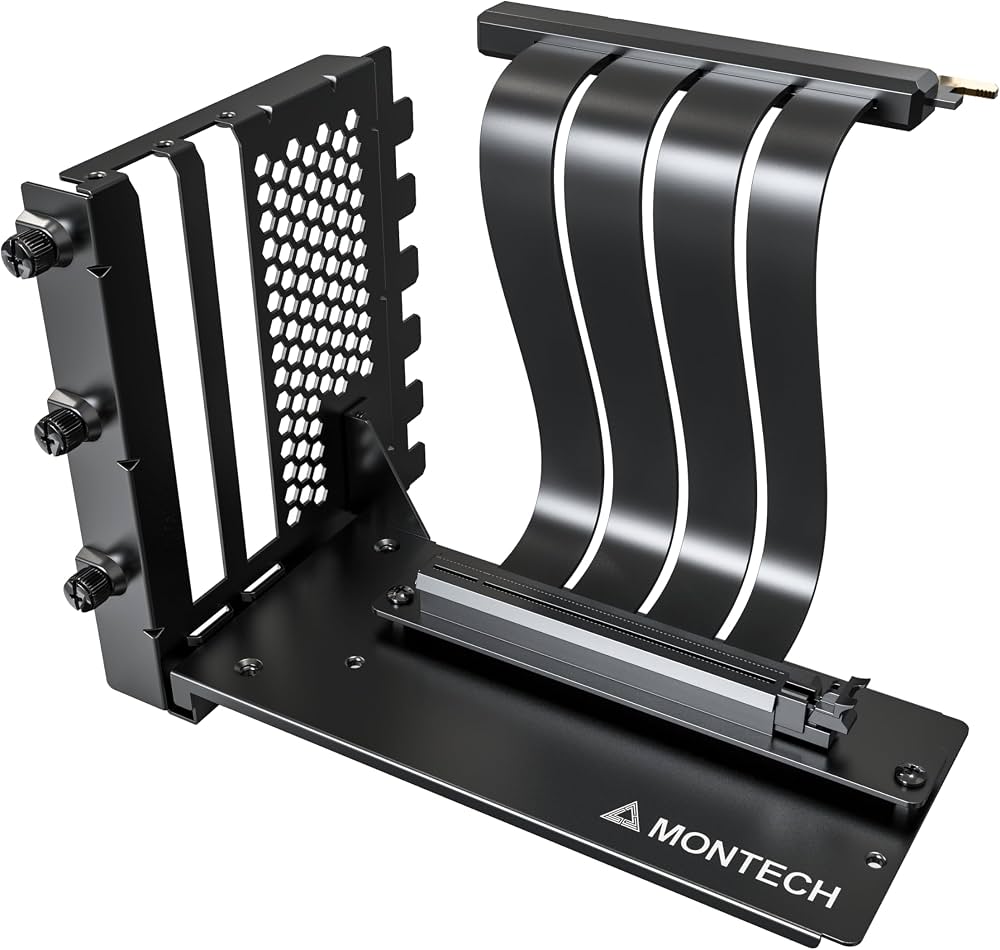
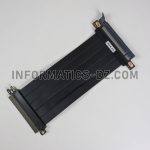
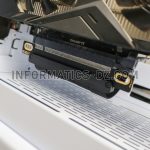
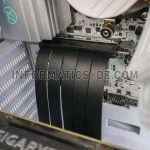
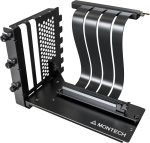
The Vertical GPU Mount Black is designed for PC builders who want to showcase their graphics card with a vertical installation. Featuring a black support structure and a flexible PCIe 4.0 riser cable, this accessory connects the graphics card to the motherboard while allowing it to be positioned vertically inside a compatible PC case.
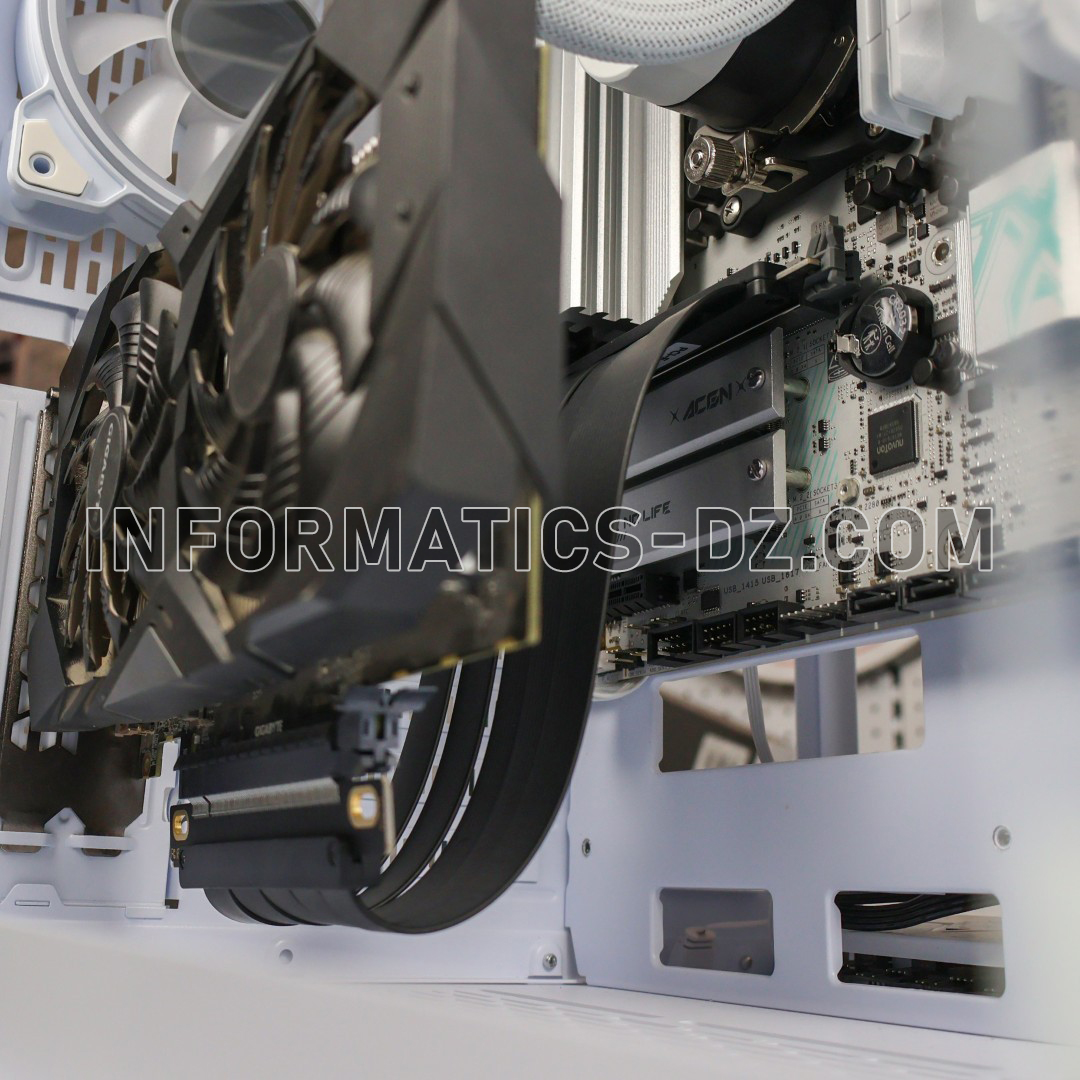
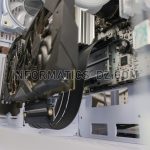
By changing the graphics card’s orientation, the mount gives your gaming setup a more distinctive appearance and makes the GPU design more visible through a tempered-glass side panel. It can also help support a graphics card without placing its full weight directly on the motherboard’s PCIe slot.
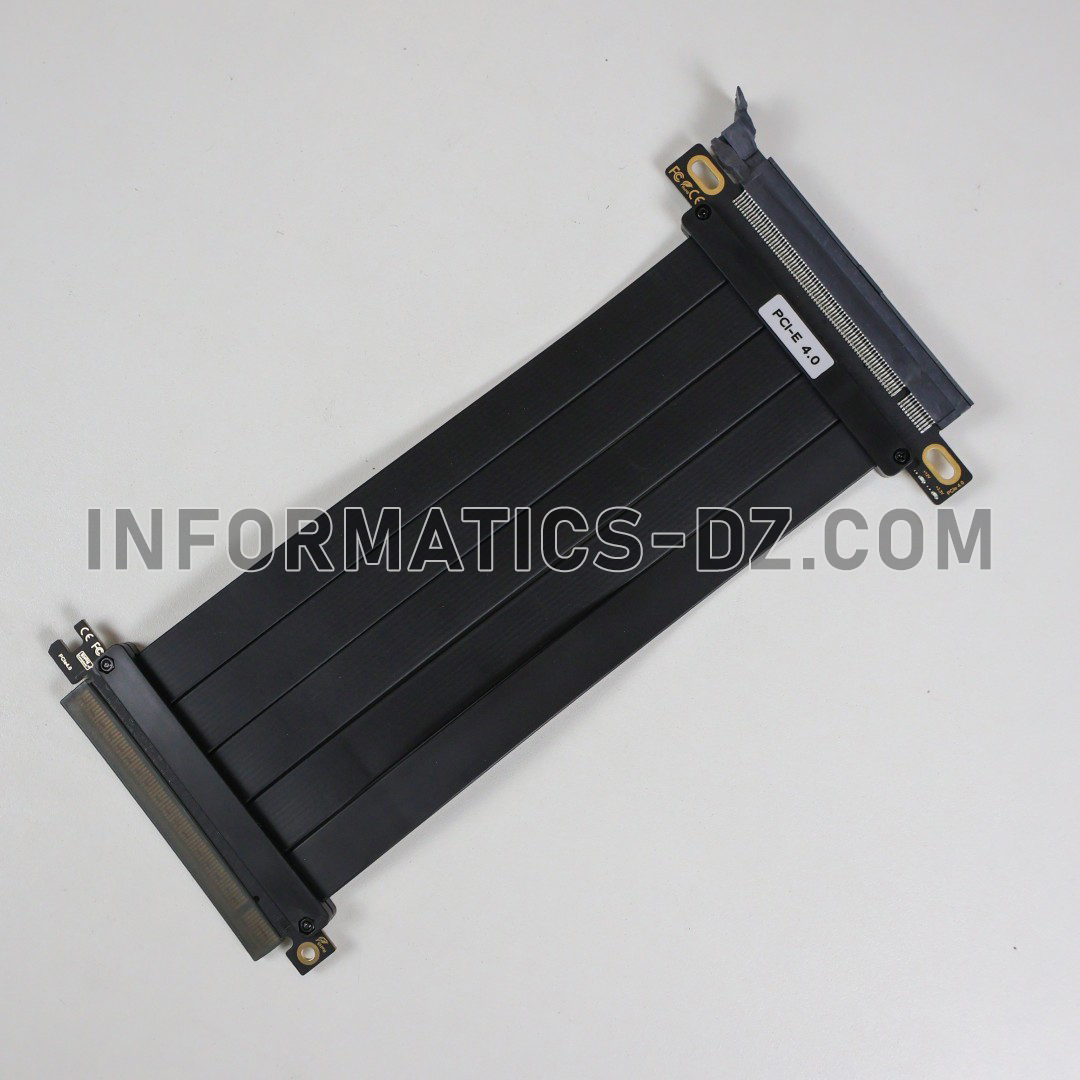
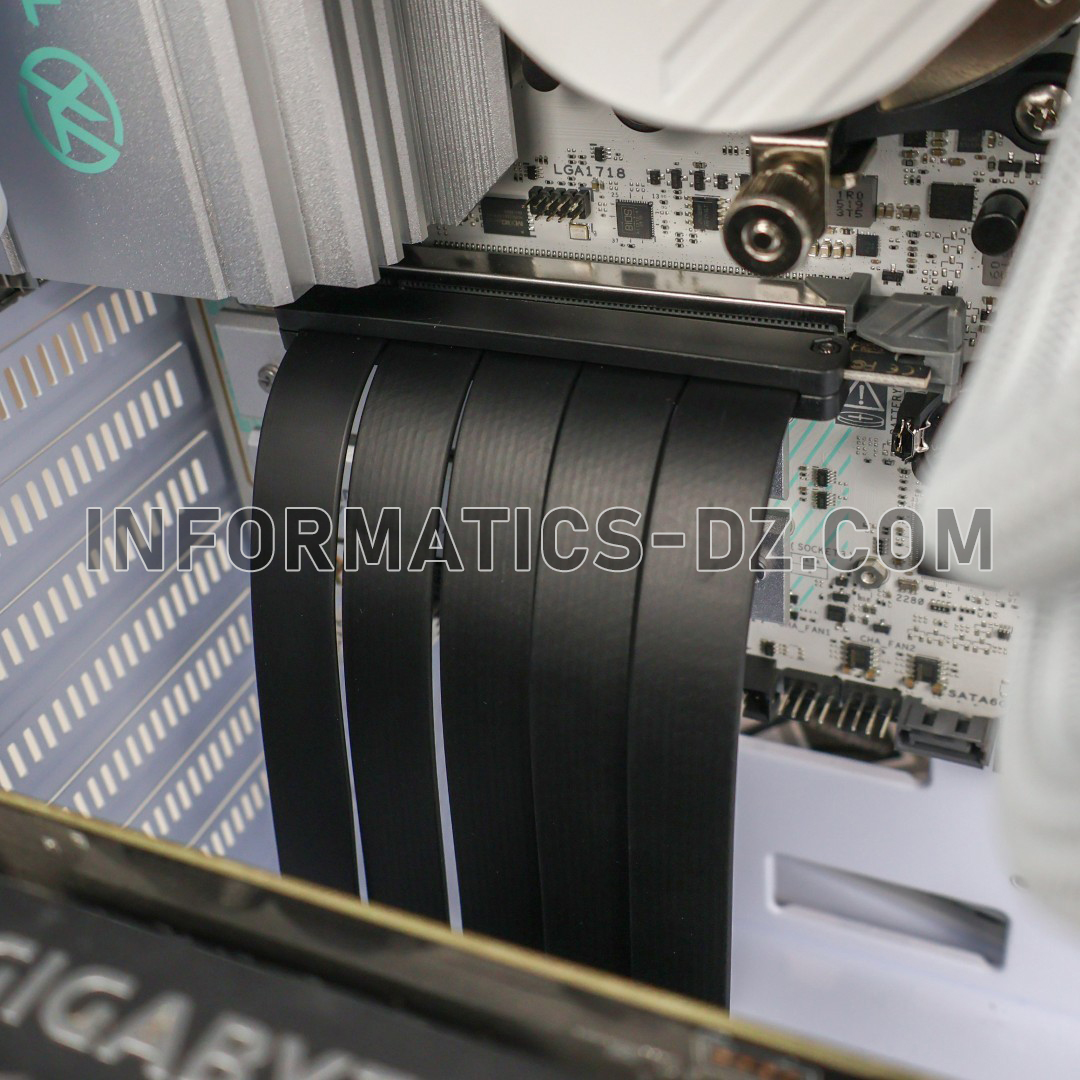
The flexible riser cable routes the PCIe connection between the motherboard and graphics card, allowing more freedom when arranging components inside the case. However, compatibility depends on the case’s expansion-slot layout, available clearance, and graphics card dimensions.
Key Features Of The Vertical GPU Mount
Vertical Graphics Card Installation
Position your compatible graphics card vertically to create a cleaner, more customized PC interior and showcase the GPU’s cooling system and design.
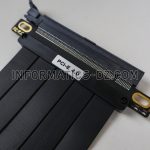
PCIe 4.0 Riser Cable
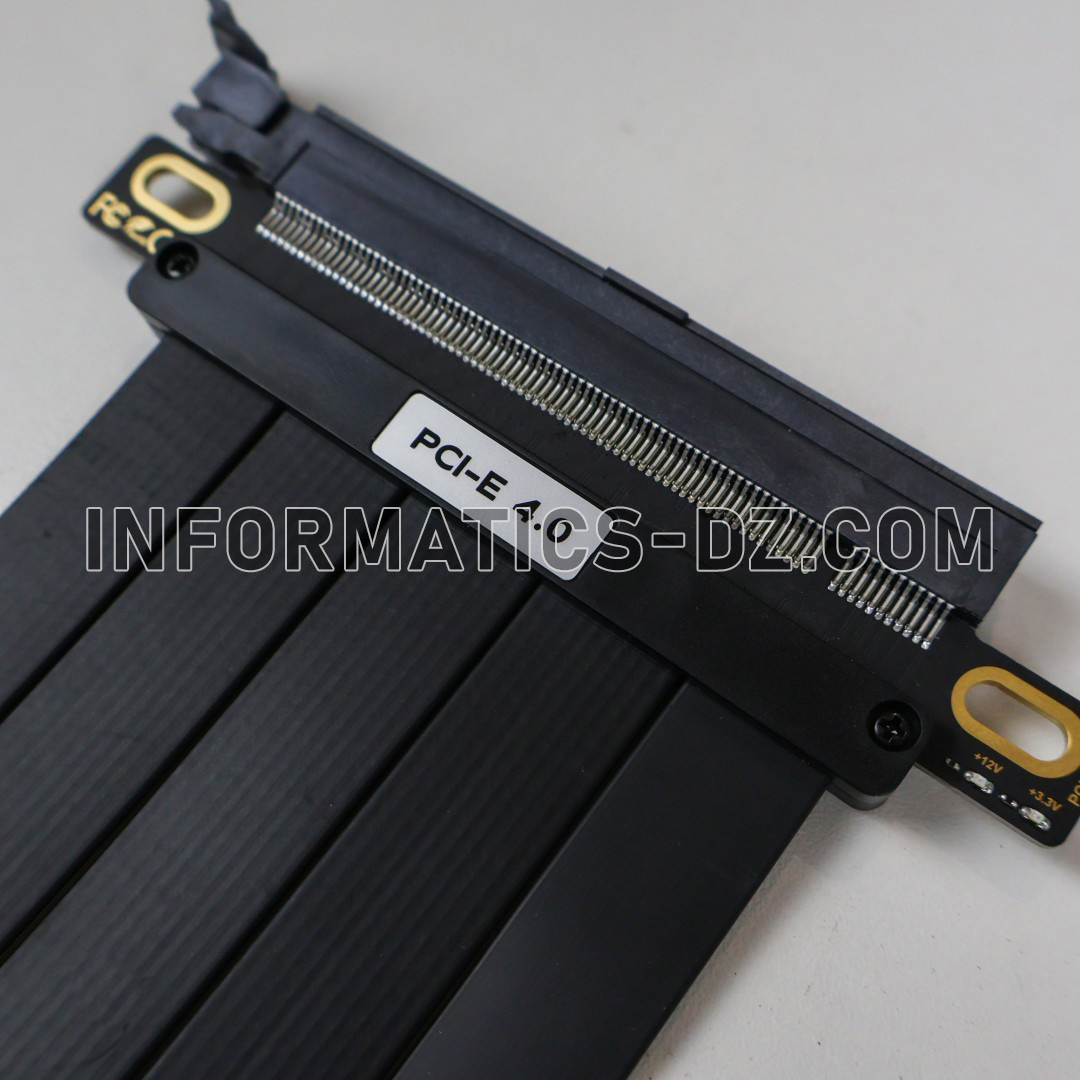
The included PCIe 4.0 riser cable connects the graphics card to the motherboard while supporting PCIe 4.0 data transfer. It is also backward compatible with older PCIe generations, subject to the capabilities of the connected hardware.
Flexible Cable Design
The flexible cable helps route the connection between the motherboard and vertically mounted graphics card, making cable positioning easier during installation.
Black Finish
The black finish complements a wide range of gaming cases and components, particularly black-themed builds.
Improved GPU Presentation
Vertical mounting makes the graphics card more prominent inside a showcase PC. It is an excellent option for builders who prioritize component presentation and a customized gaming setup.
Case Compatibility Considerations
Before installation, check the number and arrangement of expansion slots in your case, the thickness of your graphics card, and the clearance between the GPU and side panel. Ensure that the installation does not restrict the graphics card’s cooling airflow.
Specifications
| Specification | Details |
|---|---|
| Product Type | Vertical GPU Mounting Bracket |
| Color | Black |
| Included Cable | PCIe Riser Cable |
| PCIe Generation | PCIe 4.0 |
| Installation Orientation | Vertical Graphics Card Mounting |
| Cable Design | Flexible |
| Main Purpose | GPU Positioning and Presentation |
| Compatibility | Depends on PC Case and Graphics Card Dimensions |
| Required Connection | Compatible Motherboard PCIe Slot |
| Brand | Not Specified |
| Model Number | Not Specified |
Conclusion
The Vertical GPU Mount Black is a practical accessory for PC builders looking to display their graphics card vertically. Its black finish, support structure, and PCIe 4.0 riser cable make it suitable for customized gaming PC builds, provided the case and graphics card meet the installation requirements.


Related products

Reviews
There are no reviews yet.